Please follow these steps provided by Google to add and subscribe to multiple calendars: https://support.google.com/calendar/answer/37100?hl=en&co=GENIE.Platform%3DDesktop
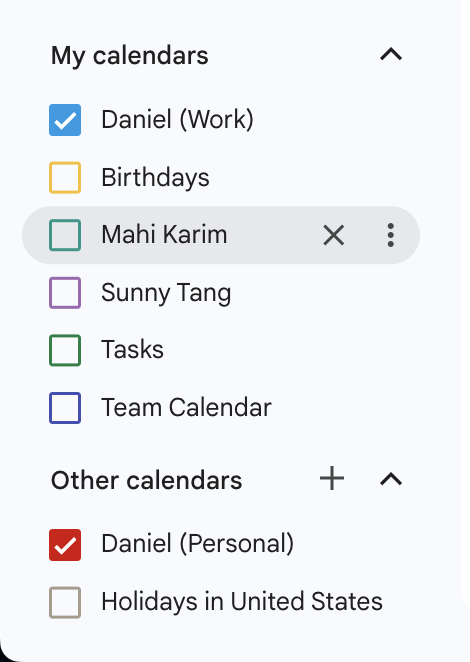
Once you’ve subscribed to a calendar, on your Google Calendar website (https://calendar.google.com/), please select the calendars you’d like to have appear in the TwinMind app.
Note: This selection of calendars will only work using your web Google Calendar and not the Google Calendar app.